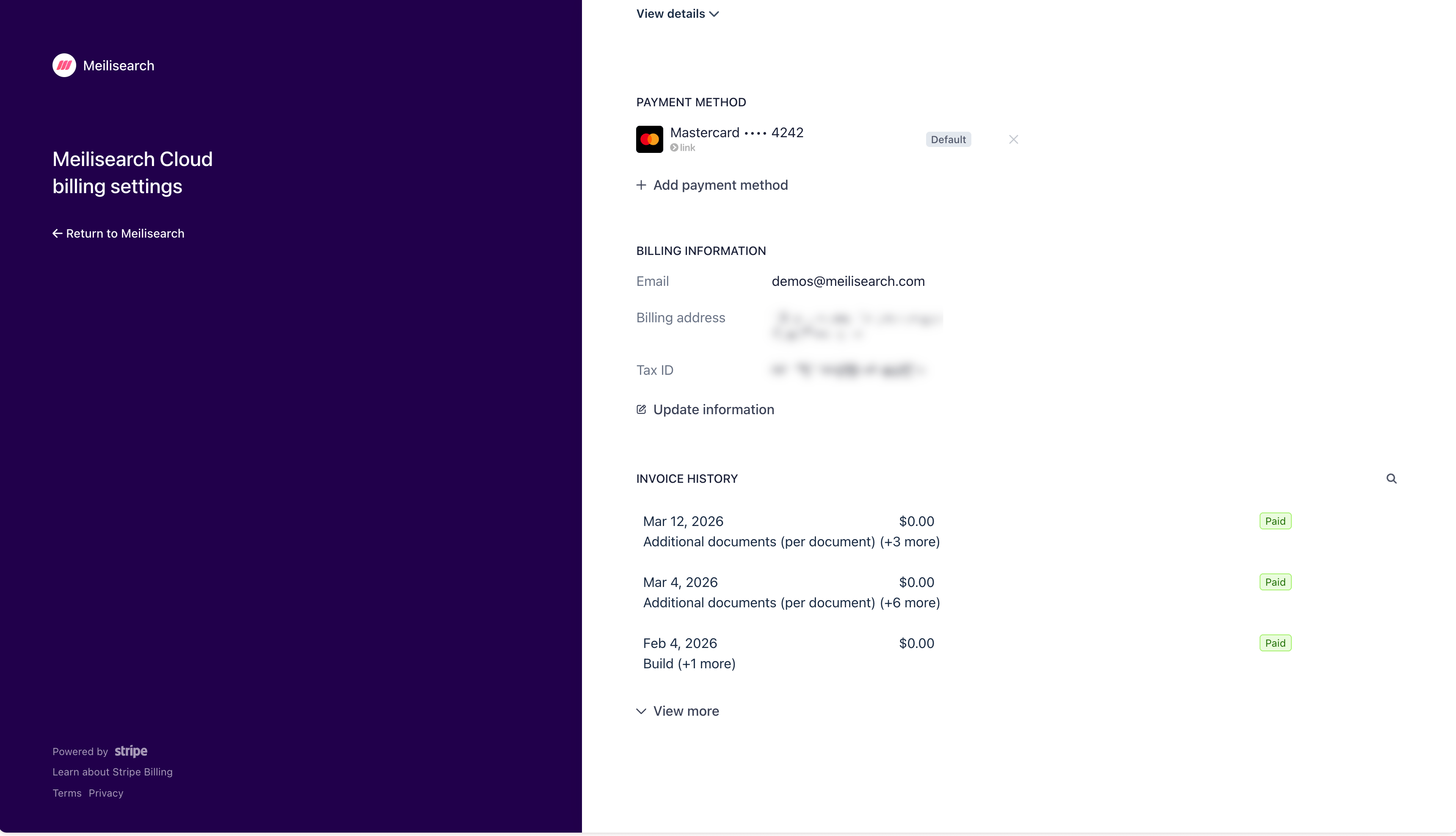
- Click + Add payment method to add a new card
- Click the × next to an existing card to remove it
- The card marked Default is the one charged automatically on each billing cycle
Billing
Payment methods
Add or update payment methods for your Meilisearch Cloud account through the Stripe customer portal.
Payment methods are managed through Stripe. To add, change, or remove a payment method, open the Billing tab in the Cloud dashboard and click Manage billing settings and invoices. This opens the Stripe customer portal.
In the Payment method section of the portal:
Was this page helpful?