

Resource-based pricing
Resource-based projects are billed for the resources you provision, regardless of how many searches you run or documents you index. Your bill combines three components:
Pricing may vary slightly by region. The Cloud UI shows the exact rates for your selected region.
Disk performance
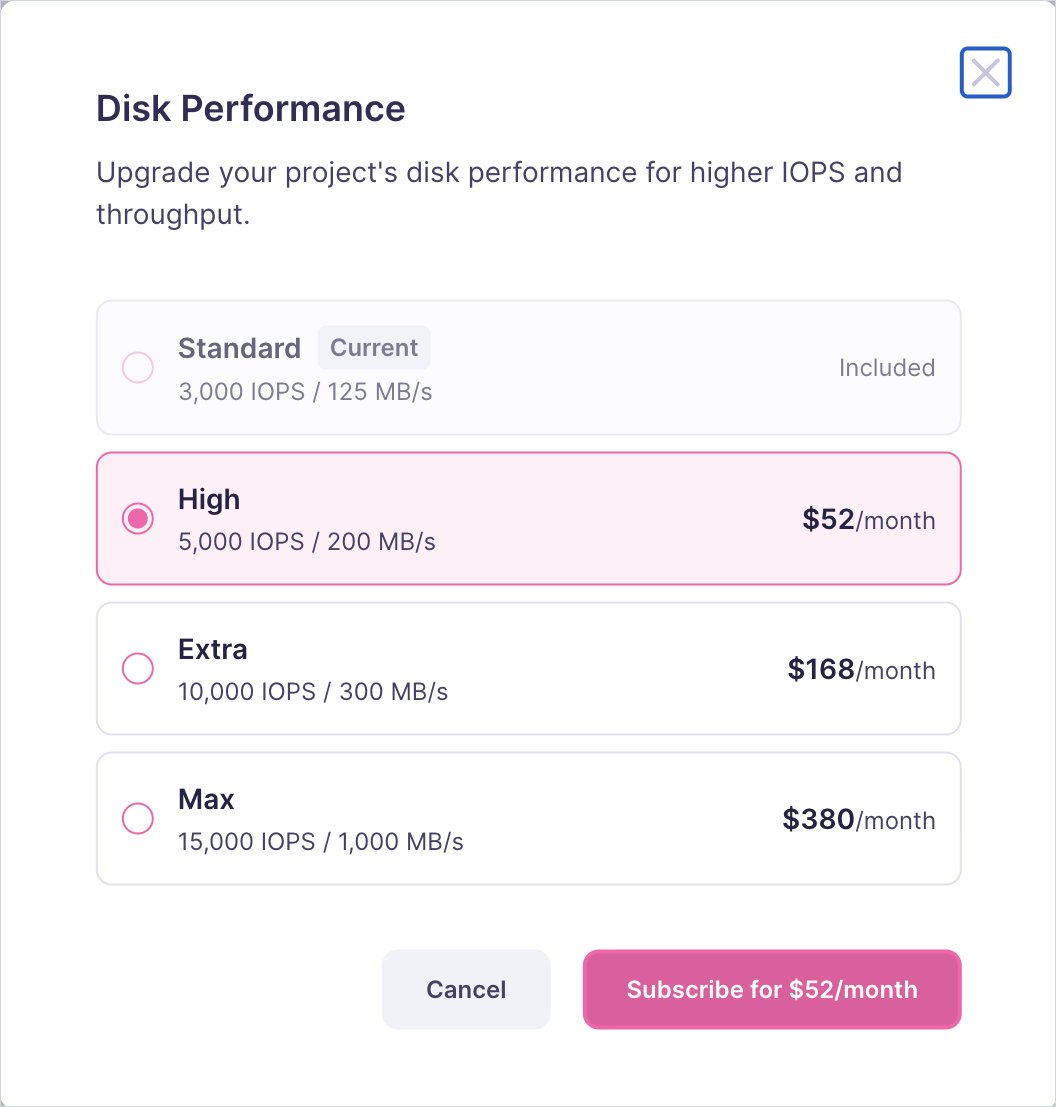
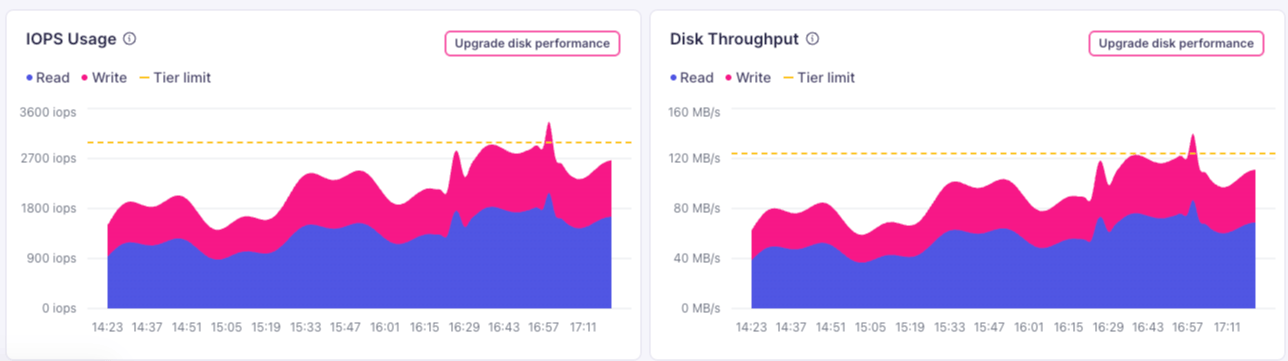
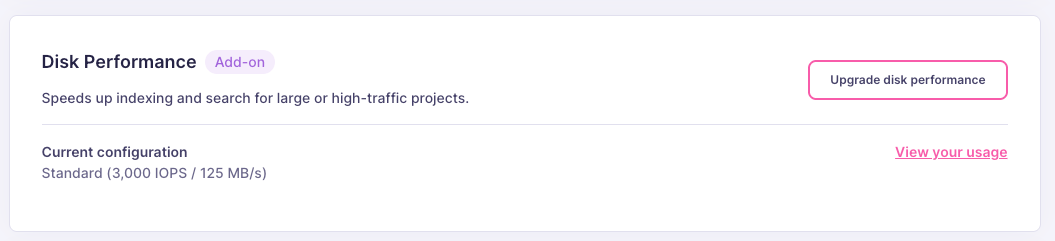
Every resource-based project includes Standard disk performance. If disk I/O is capping your indexing or search speed, you can upgrade your project’s IOPS and throughput directly from your dashboard.
Prices may vary slightly by region. The Cloud UI shows the exact price for your project.
To upgrade, open your project’s Infrastructure tab and select Upgrade disk performance, then choose a tier.
Usage-based pricing
Usage-based projects are billed on what your project actually consumes. The self-serve usage-based plan is Build:
For higher volumes or dedicated resources, the Custom plan offers tailored quotas, dedicated resources, and Meilisearch team support. Contact sales@meilisearch.com for a quote.
Resources scale automatically. You do not choose a tier. The Cloud UI shows your accrued costs based on recent usage.
How usage-based billing is charged
- Plan cost: the base plan fee is charged upfront at the start of each billing cycle.
- Extra usage: searches and documents beyond the included quota are charged at the end of the billing cycle, once the total is known.
- Cancellation: if you cancel your plan before the end of the month, the unused portion of the base plan fee is prorated and returned as a credit.
- Outstanding usage: if you remove your payment method while extra usage charges are still outstanding, Meilisearch will follow up to collect the owed amount.
Shared billing rules
Regardless of billing model:- Billed at the team level. Charges accrue per project (based on resources and usage), and all of a team’s projects roll up into a single bill for the team or organization.
- Prorated charges (resource-based). For resource-based projects, creating or deleting a project mid-cycle adjusts the charge proportionally to the time used.
- No per-seat fees. Adding team members does not affect billing.
Regions and pricing
Pricing may vary slightly by region. The Cloud UI shows the exact price for your selected region. See Cloud regions for the full list of available regions.Choosing a resource tier
For resource-based projects, the most important factor is RAM: Meilisearch keeps indexes in memory for fast search, so your instance needs enough RAM to hold your index comfortably.Step 1: Estimate your index size
Your index size depends on how many documents you have and how large each document is. Use these typical document sizes as a starting point:
Formula:
Step 2: Choose a tier with enough RAM
Choose the smallest tier where RAM exceeds your estimated index size. Leave headroom for query cache and peak usage.
Tiers of 2XL and above are not self-serve in the Cloud UI: contact sales@meilisearch.com to provision them. For larger workloads, sales can also discuss Enterprise options including sharding and replication.